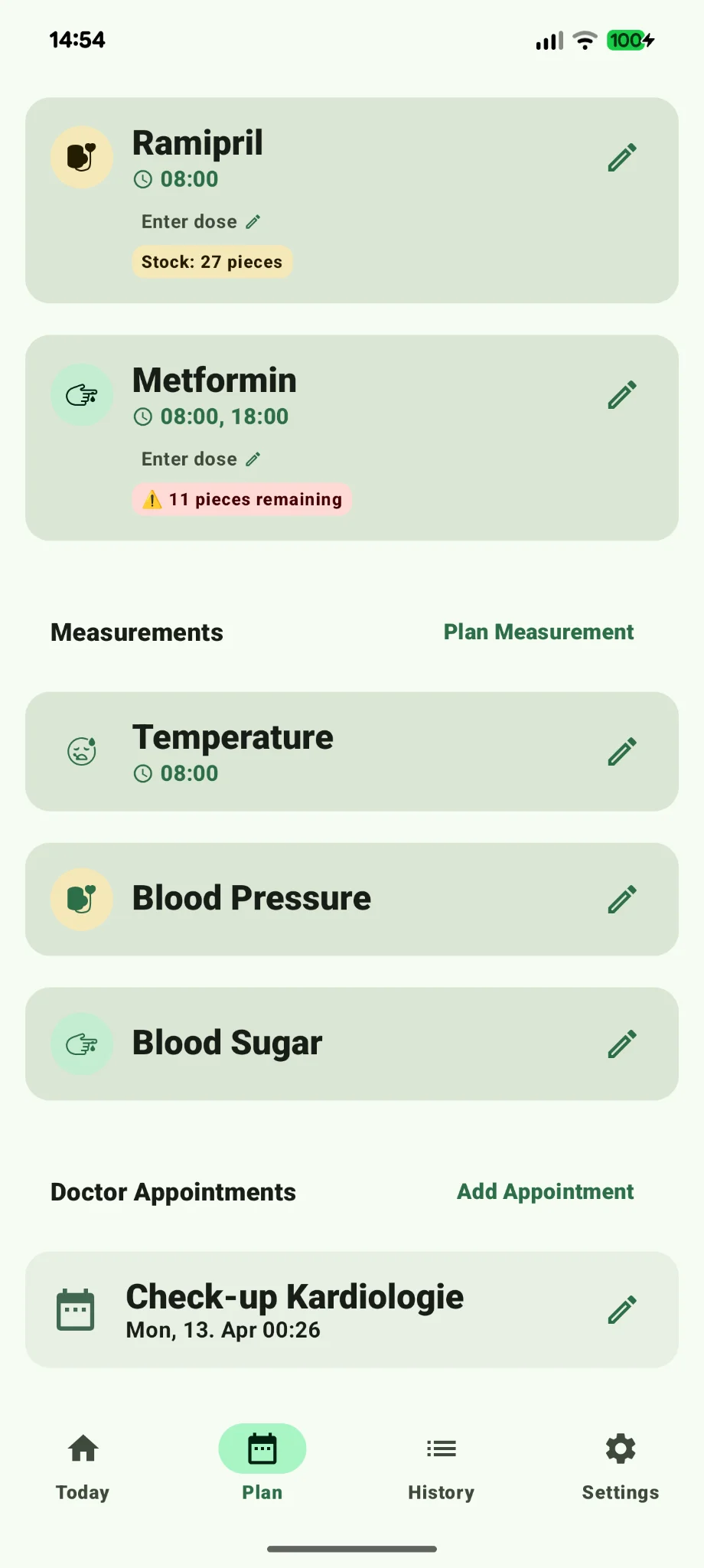
Printable medication schedule template
A clean A4 PDF: every medication with active ingredient, strength and times of day on one page, plus a weekly checklist to tick off each dose. No sign-up, no app required.
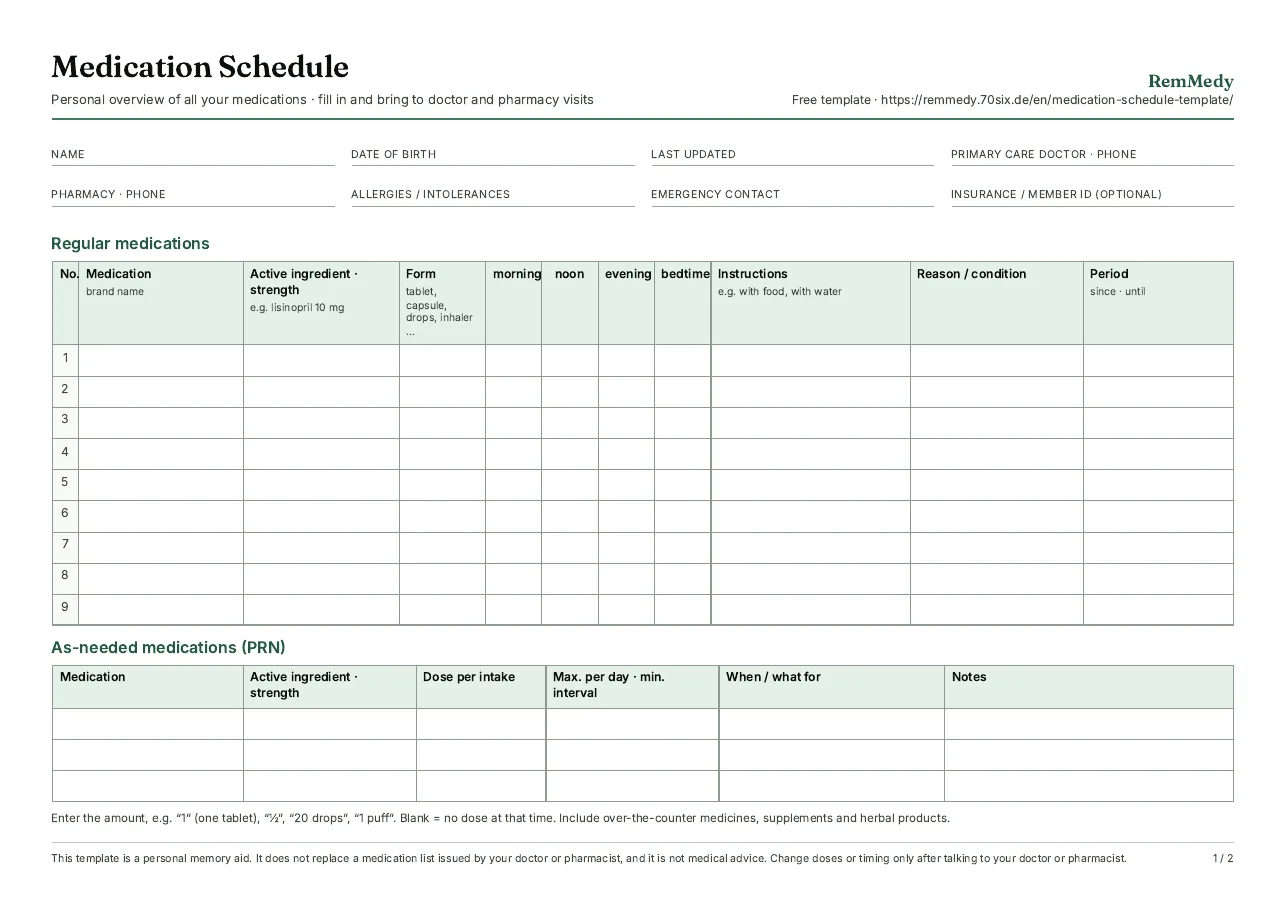
Medication schedule template (PDF)
Page 1: regular and as-needed medications with morning, noon, evening and bedtime columns, instructions and period. Page 2: weekly checklist with space for notes and questions for your next visit.
- A4 landscape, 2 pages
- PDF, about 360 KB
- English
- Room for 9 regular and 3 as-needed medications
- Updated November 9, 2026
What's on the template
The layout follows what doctors, pharmacists and caregivers expect from a medication list. Every row answers the five questions that always come up: what do you take, how strong, when, how, and what for?
- Header: name, date of birth, last updated, primary care doctor, pharmacy, allergies and intolerances, emergency contact.
- Regular medications: brand name, active ingredient and strength, form, doses for morning, noon, evening and bedtime, instructions (for example “with food”), reason and period.
- As-needed medications: dose per intake, maximum per day and minimum interval, when and what for.
- Weekly checklist (page 2): ten rows for medications, four boxes per day to tick off, plus fields for side effects and questions for your doctor.
How to fill it in
- Put every package on the table. Include over-the-counter medicines, supplements, drops, inhalers and creams. Nobody can check interactions for something that isn't on the list.
- Copy the active ingredient and strength from the label. For example “lisinopril 10 mg”. Brands change with every refill, the ingredient doesn't.
- Write doses as numbers. “1” for one tablet, “½” for half, “20 drops”, “1 puff”. An empty box means no dose at that time of day.
- Note what you can't see. “On an empty stomach”, “with plenty of water”, “not with dairy”, “2 hours apart from thyroid tablet”. These are the details that get lost.
- Date it and discard old copies. In an emergency only the current version counts.
The U.S. Food and Drug Administration recommends keeping exactly this kind of list in its My Medicine Record guidance, including over-the-counter products and supplements.
Bring it to every appointment
A current schedule saves the time usually spent reconstructing your medicines from memory and is the only way anyone can check for interactions. It helps most in three situations:
- New doctor, specialist, hospital admission: intake staff always ask about medications. With the schedule your answer is complete.
- Pharmacy: with the full list your pharmacist can spot duplicates and interactions and offer a medication review.
- Family caregivers: whoever steps in sees at a glance what to give when, and ticks it off on the checklist.
If you also track blood pressure, our printable blood pressure log uses the same format.
Paper or app?
Paper wins on simplicity: no battery, no account, anyone can read it. It loses as soon as something changes, because then you start over. An app reminds you of every dose, keeps the history and produces the schedule as a PDF on demand, always up to date. Many people combine both: schedule in the app, printout in the wallet.
Frequently asked questions
Is the template really free?
What goes in the “active ingredient and strength” column?
How often should I update my medication schedule?
Is this an official medication list?
Should I include vitamins and over-the-counter medicines?
Is there a Word or Excel version?
Where should I keep the printed schedule?
Related
- Printable blood pressure log (PDF, 4 weeks)
- Pill tracker with history and trends
- RemMedy manual: adding medications and exporting the schedule
Note: this page and the template are an organizational aid, not medical advice. Change medications or doses only after talking to your doctor or pharmacist.
Prefer digital? RemMedy reminds you and exports your schedule as a PDF.
Add your medications once, get reminders, tick off doses and export the current schedule before every appointment. Offline, no account, no subscription.
The Android app (Android 8 and up) is available now on Google Play. The iPhone app (iOS 18+) is available on the App Store. Android and iPhone are separate purchases.